Pdf to Powerpoint
Smooth, Simple, and Efficient PDF Editing
Convert your files with ease using our online tool. Keep your layout and design perfectly intact, no software installation is required.
How to convert Pdf to Powerpoint
Upload Your File
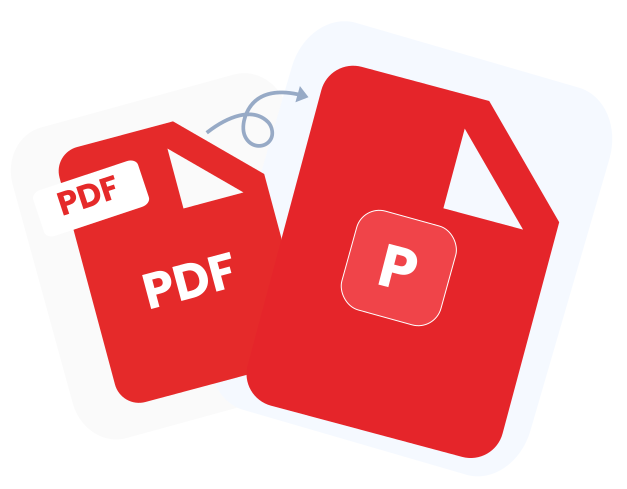
To get started, either click on "Upload your file" or just drag and drop your document. The file converter that is quick, safe, and free is the perfect way to start your PDF to PowerPoint conversion.
Edit and Rotate
Make use of our user-friendly editor to move pages around, change direction, and create any fast changes that you want; it is designed for saving time, making things clear, and being handy.
Download Your PowerPoint
Once the conversion is complete, download your freshly converted PowerPoint file, perfectly formatted and ready for professional use without any extra effort.
Why Choose Converz PDF
All-in-one PDF editor
No more switching between different apps. Converz PDF brings all your document management tools together in one simple, powerful platform.
No setup needed
Access Converz PDF from any device, no installations, no updates, no complications. Edit, convert, and sign PDFs instantly and effortlessly.
Instant Support
Get dependable assistance whenever you need it. Our friendly expert team is always ready to support your daily PDF tasks and business operations with clarity and care.
Every element can be converted
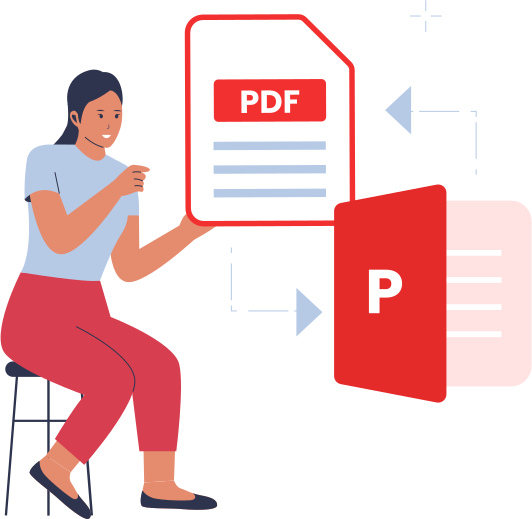
Our PDF to PPT converter will change your whole PDF into a PowerPoint presentation that you can edit freely. Every page of your PDF is turned into a separate slide in PowerPoint, and all the original elements are kept as individual components, except for those that were already merged into a single image within the PDF.
Where an element was merged into an image in the source file, that image will be converted into PowerPoint as one single unit along with its original look.
Converz PDFs or Any File Instantly
Use our upgraded file converter, free PDF converter, and flexible document conversion tools to change your PDFs or documents in no time, with security, and at no cost. Just upload your file, select the format you want, and convert it with ease. Besides that, you are allowed to edit or rotate the PDFs online, thus your file handling will become nicer and more productive.