JPG to PDF
Convert JPG to PDF Easily and Efficiently
You can upload your jpg file or simply drag it and choose the interpretation in pdf paper to do in mere seconds with our straightforward, interactive, and intuitive toolbar.
How to Convert JPG to PDF
Upload Your JPG
Click the "Upload your file" button or simply drag and drop your JPG file into the upload area to start the jpg to pdf conversion process.
Edit Your Image
Use our beginner-friendly editor to make quick adjustments or touch-ups on your JPG before converting it to a PDF.
Download Your PDF
Complete the process by downloading your newly converted PDF file, ready for use or sharing.
Unlock and Edit Text in Your JPG to PDF Conversion
Converting a JPG image to a PDF does not allow immediate editing of any text that was embedded in the image in the PDF file, so it still remains like that. With the use of Optical Character Recognition (OCR) technology, it is possible to extract and recognize texts and fonts from the image automatically. This makes it possible for you to edit and manage your content of texts so smoothly that you will hardly notice the JPG to PDF conversion process, besides, you might want to take time even after this to ensure your PDF documents will be totally accessible and look nice. Reliable OCR tools are very important for turning your non-editable image-based PDFs into editable ones thus making them easy to work with.
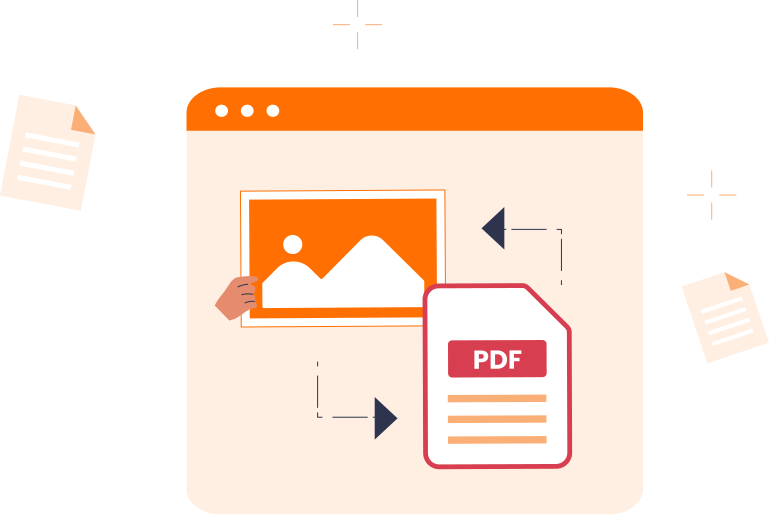
Why Choose Converz PDF
All-in-one PDF editor
Stop switching between different tools. Converz PDF brings everything together, whether you need to edit PDFs, convert PDF to JPG, save PDF as JPEG, or manage documents professionally. One powerful platform, endless possibilities.
No setup needed
Work immediately on any device: desktop, tablet, or mobile. Converz PDF is a tool that does not need installation or setup, thus making PDF editing, signing, and PDF to JPG conversion very easy and user-friendly.
Instant Support
Our knowledgeable support staff is at your disposal at any time. We deliver the most efficient and dependable solution to all your everyday PDF and file-conversion requirements. We are with you every step of the way from upload to download.
From Images to a Crisp and Organized PDF
Convert photos, scans, and graphics into high-resolution PDFs with natural orientation and balanced margins. The reading flow remains smooth, keeping large image collections organized for easy review. Captions and handwritten notes are preserved clearly, ensuring context is maintainable and accessible in the final compiled PDF.