PDF to JPG
Edit and convert documents in a straightforward, smooth, and easy way.
In no time, convert your thick PDF files to JPGs online. It's quick, neat, and a snap.
How to convert PDF to JPG
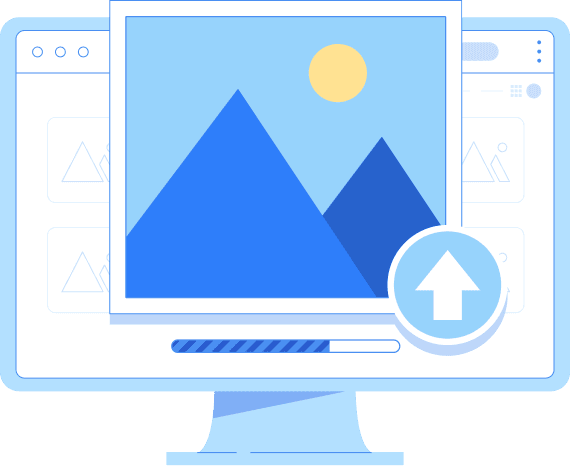
Upload Your File
Start by clicking “Upload your file” or by simply dragging and dropping your PDF. Your PDF to JPG conversion will be hassle-free with our quick, safe, and free PDF tool.
Edit and Rotate
Use our intuitive editor to rotate PDF pages, alter orientation, and make quick edits. A quick PDF-to-JPG conversion has been thought through in every detail.
Download Your JPG
After you finish your conversion, make sure to save and download the newly converted JPG files, which are perfectly optimized and can be used for professional or personal purposes.
Why Choose Converz PDF
All-in-one PDF editor
Stop switching between different tools. Converz PDF brings everything together, whether you need to edit PDFs, convert PDF to JPG, save PDF as JPEG, or manage documents professionally. One powerful platform, endless possibilities.
No setup needed
Work immediately on any device: desktop, tablet, or mobile. Converz PDF is a tool that does not need installation or setup, thus making PDF editing, signing, and PDF to JPG conversion very easy and user-friendly.
Instant Support
Our knowledgeable support staff is at your disposal at any time. We deliver the most efficient and dependable solution to all your everyday PDF and file-conversion requirements. We are with you every step of the way from upload to download.
High Quality Page Images
Each page converts into a crisp JPG with clear text and smooth lines. Logos, diagrams, and charts stay sharp, gradients render cleanly, and small labels remain readable for professional results. Page order stays consistent, background colors convert accurately, and edges stay clean, perfect when you convert PDF to JPG or save PDF as JPEG for sites and slides.
JPG format compresses your image files
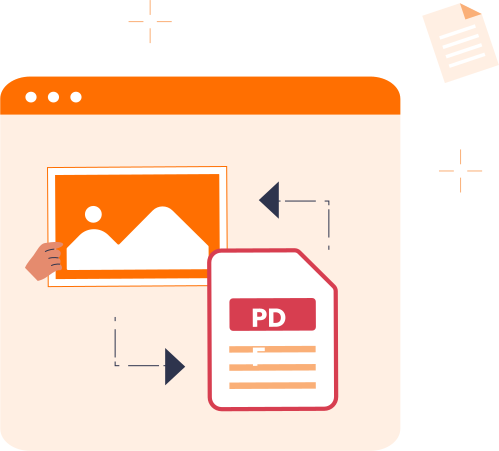
The JPG or JPEG (Joint Photographic Experts Group) format has been the one to compress your image files since 1992! JPG is an image-compression method whereby one can change the compression level of the image such that the total quality is either increased or decreased. The quality of an image is going to be worse if it is very compressed; however, the resulting file will be smaller. So, in case you are doing a PDF to JPG conversion, it is a good way to keep the file uncompressed and thus maintain the image resolution intact.
Converz PDFs or Any File Instantly
Transform your PDFs or documents quickly, securely, and at no cost using our advanced file converter, free PDF converter, and document converter. Do an upload of any file you want and convert PDF to JPG or save a PDF as JPEG. Also, if you want, just switch to any format you need. Besides that, you can simply edit or rotate PDFs online while still making your whole file management workflow straightforward and efficient.